
Redmi System manager | No Root PC
Learn Pain Less
Download Redmi System manager | No Root on PC With GameLoop Emulator
Redmi System manager | No Root sa PC
Ang Redmi System manager | No Root, na nagmumula sa developer na Learn Pain Less, ay tumatakbo sa Android systerm sa nakaraan.
Ngayon, maaari mong laruin ang Redmi System manager | No Root sa PC gamit ang GameLoop nang maayos.
I-download ito sa GameLoop library o mga resulta ng paghahanap. Hindi na tumitingin sa baterya o nakakadismaya na mga tawag sa maling oras.
I-enjoy lang ang Redmi System manager | No Root PC sa malaking screen nang libre!
Redmi System manager | No Root Panimula
I personally tested Redmi System manager app on Redmi Note 4, Redmi note 5 pro and Redmi 3s prime, and expected to work on all Redmi mobiles to uninstall system apps android without root.
About Redmi System manager
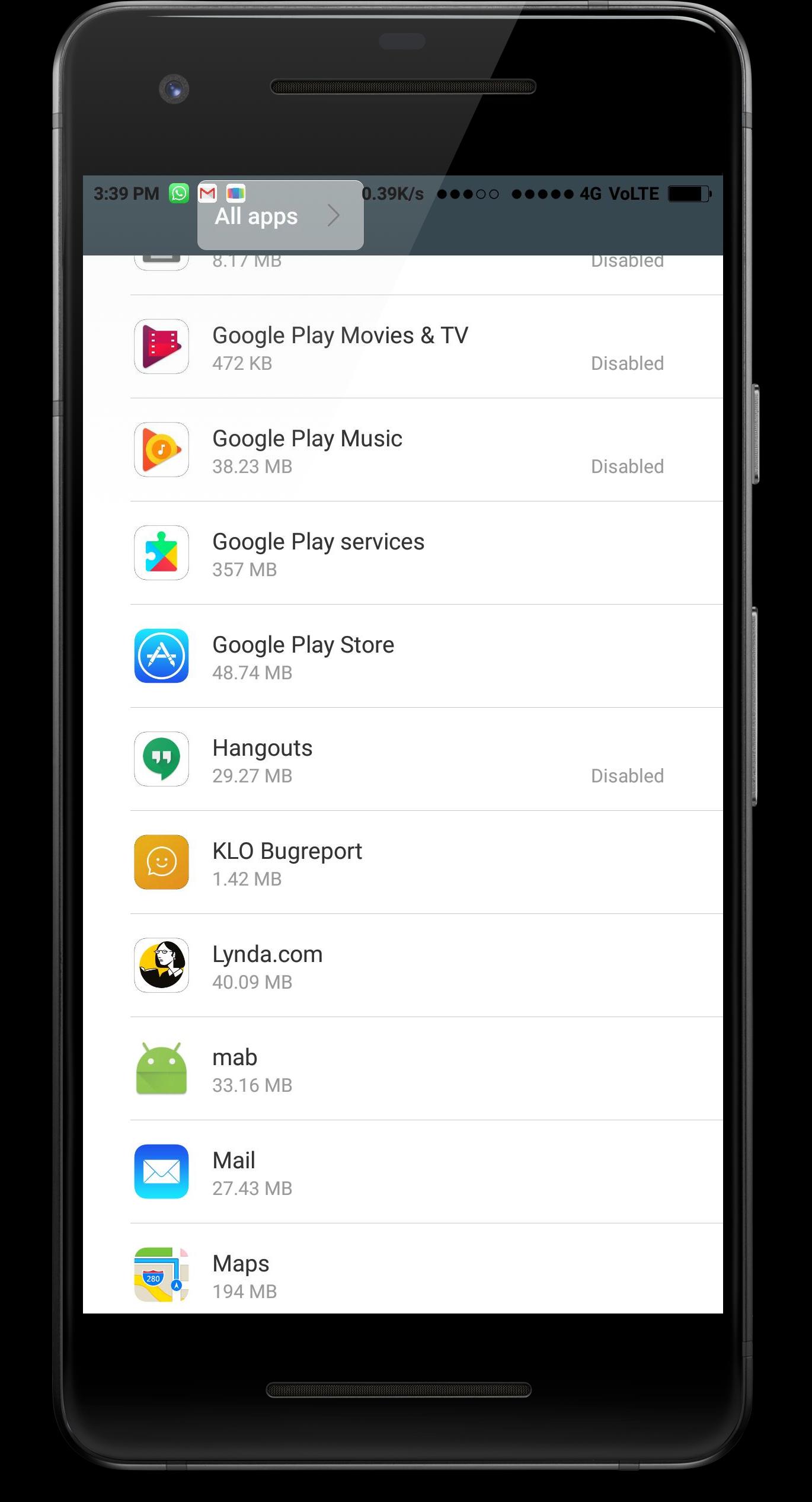
This app will help you to disable system apps which are pre-installed on Redmi mobiles. If you try to disable or uninstalled app from phone settings then you will not get option to delete few apps, but Redmi System manager app will take you to the secret app manager screen when you can disabled those few stubborn apps as well. And for this you don't need Root permissions. And this method is 100% safe because its provided by Redmi itself.
System App Uninstaller No Root
Redmi System manager uninstall system apps android without root on redmi mobiles. This app doesn't guarantee that it uninstall system apps on other brand mobiles. Because this setting is only avilable in redmi mobiles. So if you download on non redmi device and it fails to uninstall system apps then you may blame us that Redmi system manager app is fake and is not working. So read the description before posting your review.
disable system apps without root
Yes you heard it right. Redmi system manager app disable system apps without root on redmi mobiles only. And i personally tested this app in Redmi Note 4, Redmi note 5 pro and Redmi 3s. And i tested this on Miui 9, Miui 10 and Miui 11. And its expected to disable system apps on Miui 12 as well. But i haven't tested on Miui 12. So you have to write in reviews either it disable system apps on redmi devices running Miui 12 or not. I'll try this on Miui 12 when i got any device having Miui 12 or my Redmi note 5 pro got Miui 12 update. And then i will post update here. Try it and write in reviews that this app remover is helpful for you or not.
System App Remover Pro apk
So currently we haven't launched any system app remover pro apk for our app. So if you got apk outside from Google playstore which says its pro apk for redmi system manager, then dont trust them. And if you all demand system app remover pro apk without ads, then we will launch it. But we are not planning to make this app paid version. That's why we are using google ads inside out app so we can get some profit from it without asking from you.
How to use?
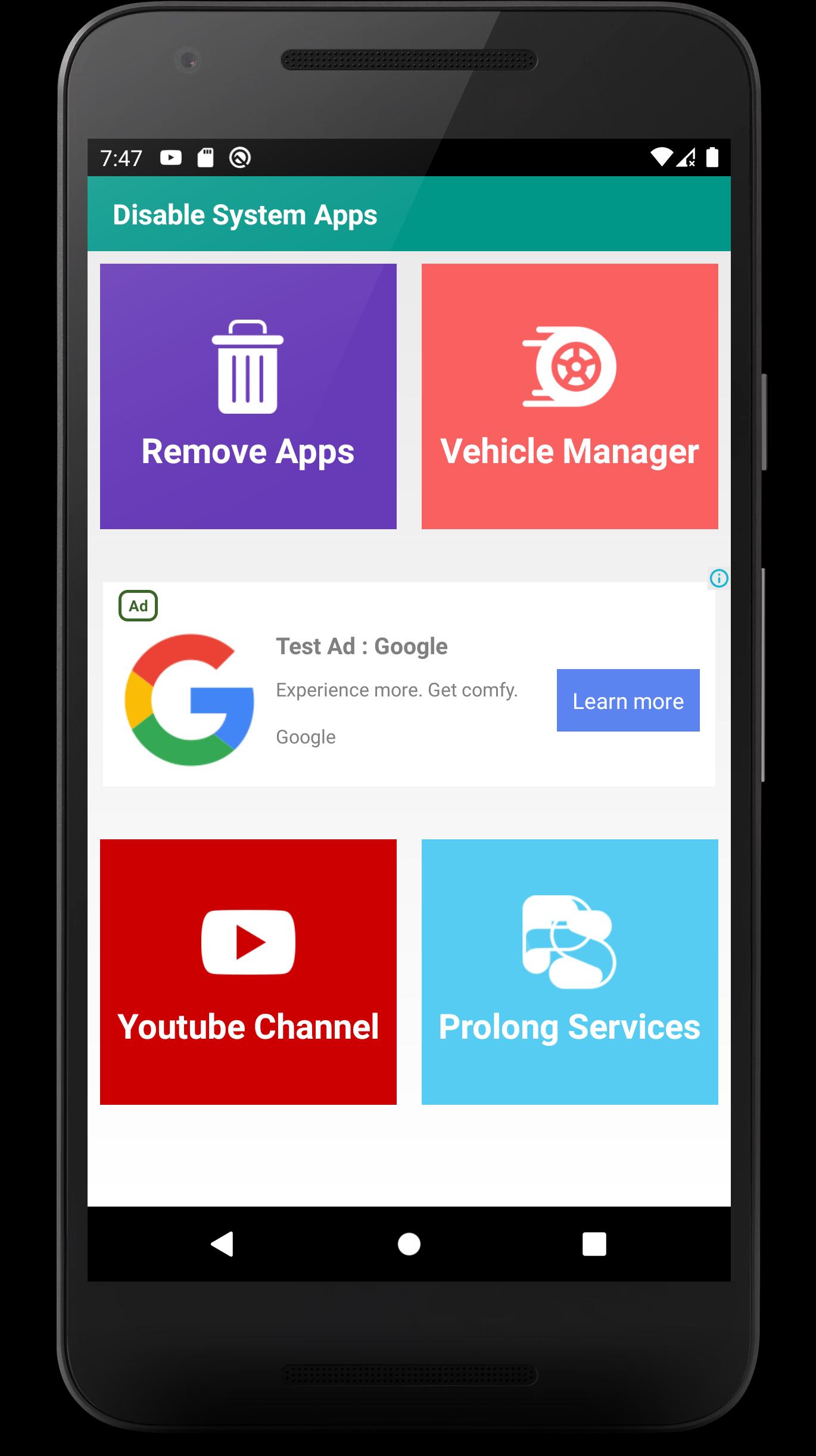
1. Open Redmi System manager app and goto "Remove Apps" section.
2. It will redirect you to hidden settings.
3. Here you can disable system apps. (maybe few apps will not disable)
By this method you can disable system app without root. This app work as bloatware remover.
Preview
Tags
ToolsInformation
Developer
Learn Pain Less
Latest Version
1.0.27
Last Updated
2024-08-26
Category
Tools
Available on
Google Play
Show More
How to play Redmi System manager | No Root with GameLoop on PC
1. Download GameLoop from the official website, then run the exe file to install GameLoop
2. Open GameLoop and search for “Redmi System manager | No Root” , find Redmi System manager | No Root in the search results and click “Install”
3. Enjoy playing Redmi System manager | No Root on GameLoop
Minimum requirements
OS
Windows 8.1 64-bit or Windows 10 64-bit
GPU
GTX 1050
CPU
i3-8300
Memory
8GB RAM
Storage
1GB available space
Recommended requirements
OS
Windows 8.1 64-bit or Windows 10 64-bit
GPU
GTX 1050
CPU
i3-9320
Memory
16GB RAM
Storage
1GB available space